Completed DVIR form
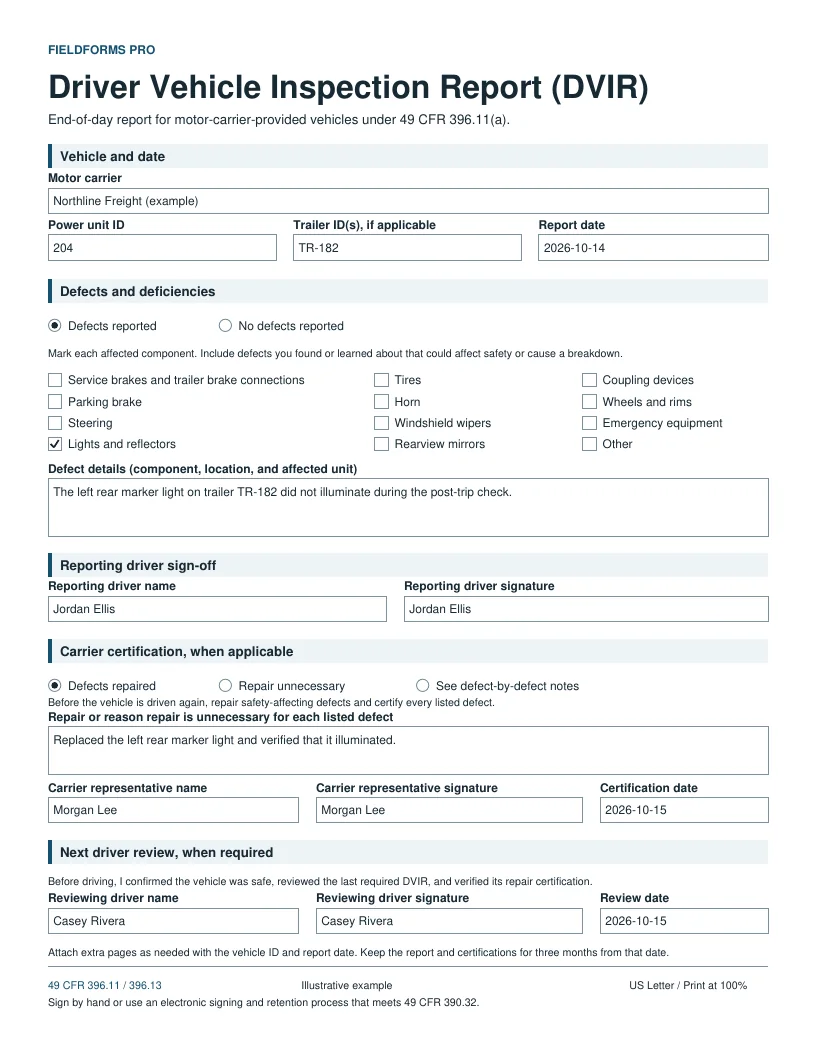
A one-page record of the marker light defect, carrier certification, and the next driver’s review.
 View filled-out template
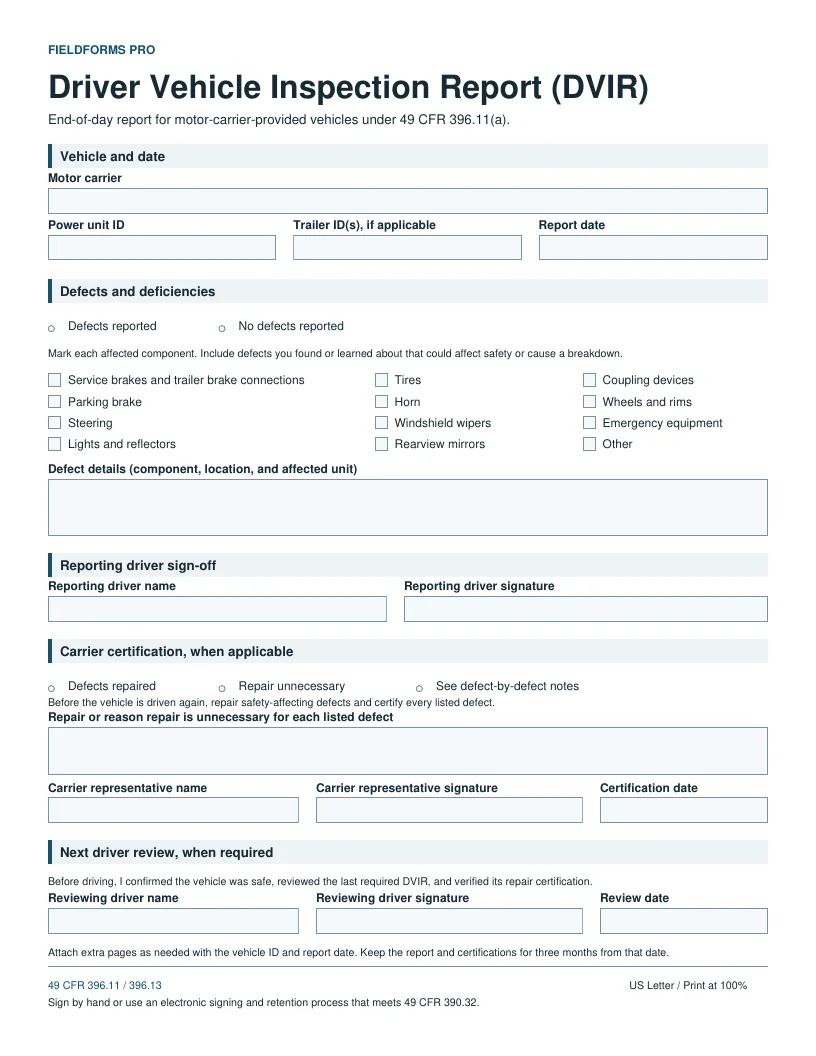
Download a free, one-page defect report for commercial vehicles your motor carrier provides. Record the vehicle and any trailer, describe the defects, and keep repair certification and driver review on the same report.
US Letter · One page · Fill in a PDF reader or print at actual size (100%).
 Preview blank PDF
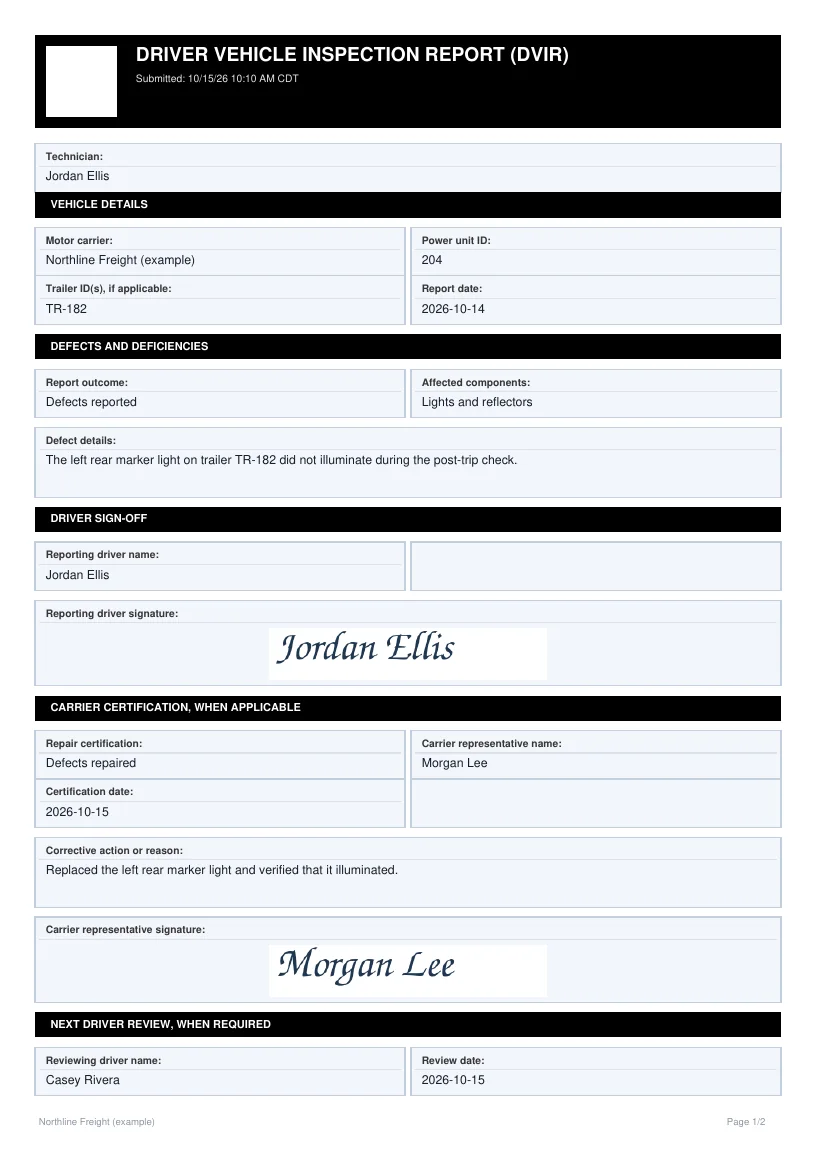
At the end of the shift, Jordan Ellis records that the left rear marker light on trailer TR-182 is out. A carrier representative certifies the repair after replacing the light and checking that it works. The next driver reviews and signs the report before taking the truck and trailer out. The names and equipment IDs are fictional.
A one-page record of the marker light defect, carrier certification, and the next driver’s review.
View filled-out templateThis example shows the same details and signatures in a PDF generated by FieldForms Pro.
 View completed report
List defects you found or learned about that could affect safe operation or cause a breakdown. Identify the affected unit and location.
Before the vehicle is driven again, repair safety-affecting defects and certify every listed defect.
Record the repair or why repair is unnecessary for each listed defect. Use the notes to certify different outcomes on the same report.
Sign before driving after confirming the vehicle is safe, reviewing the last required DVIR, and verifying the carrier certification.
Identify the power unit and any trailer involved. Record the report date and enough information for dispatch or maintenance to locate the equipment.
Mark the affected components and explain each defect, where it was found, and which unit it affects. Include defects reported to the driver as well as defects the driver discovered.
Have the reporting driver sign. Before the vehicle is driven again, the carrier or its agent must fix defects likely to affect safe operation and certify on the same report whether each listed defect was repaired or repair was unnecessary. If the outcomes differ, record each one in the notes.
Open the fillable PDF in a PDF reader that supports form fields, or print the report on US Letter paper. Use the Word file to adapt the layout. Sign by hand or follow an electronic signing and retention process that meets 49 CFR 390.32.
At the end of the workday, complete the report for each vehicle that requires one. Describe any defects that could affect safe operation or cause a breakdown, then sign and send the report to the carrier.
Keep the signed DVIR, carrier certification, and driver review together. The carrier must retain the applicable records for three months from the date the DVIR was prepared.
DVIR stands for Driver Vehicle Inspection Report. It identifies a commercial vehicle and records safety-related defects or deficiencies that the driver finds or that someone reports to the driver.
Under the federal rule in 49 CFR 396.11, a report generally isn’t required if no defect or deficiency is discovered by or reported to the driver. Your carrier or other applicable rules may still call for a no-defect report.
Before driving, the driver must confirm that the vehicle is safe to operate and review the last required DVIR. Sign the report to acknowledge the review and verify the repair certification. The signature requirement has an exception for defects on a towed unit that is no longer part of the combination.
This form is for motor-carrier-provided vehicles under 49 CFR 396.11(a). Separate reporting rules apply to equipment tendered by an intermodal equipment provider under § 396.11(b). Section 396.11(a)(5) also lists exceptions for nonbusiness private motor carriers of passengers, driveaway-towaway operations, and carriers operating only one commercial motor vehicle.
Yes. Download the fillable PDF or editable Word file directly, with no account or email address required.
Use the template during your FieldForms Pro trial. See pricing for ongoing use.
Submit the driver’s signed report at the end of the workday. If the carrier certification and next driver’s review happen later, export the signed report and have each person complete their section on that same report. Keep the completed copy available to the carrier and drivers.
Add to an existing FieldForms Pro workspace