Completed locksmith invoice
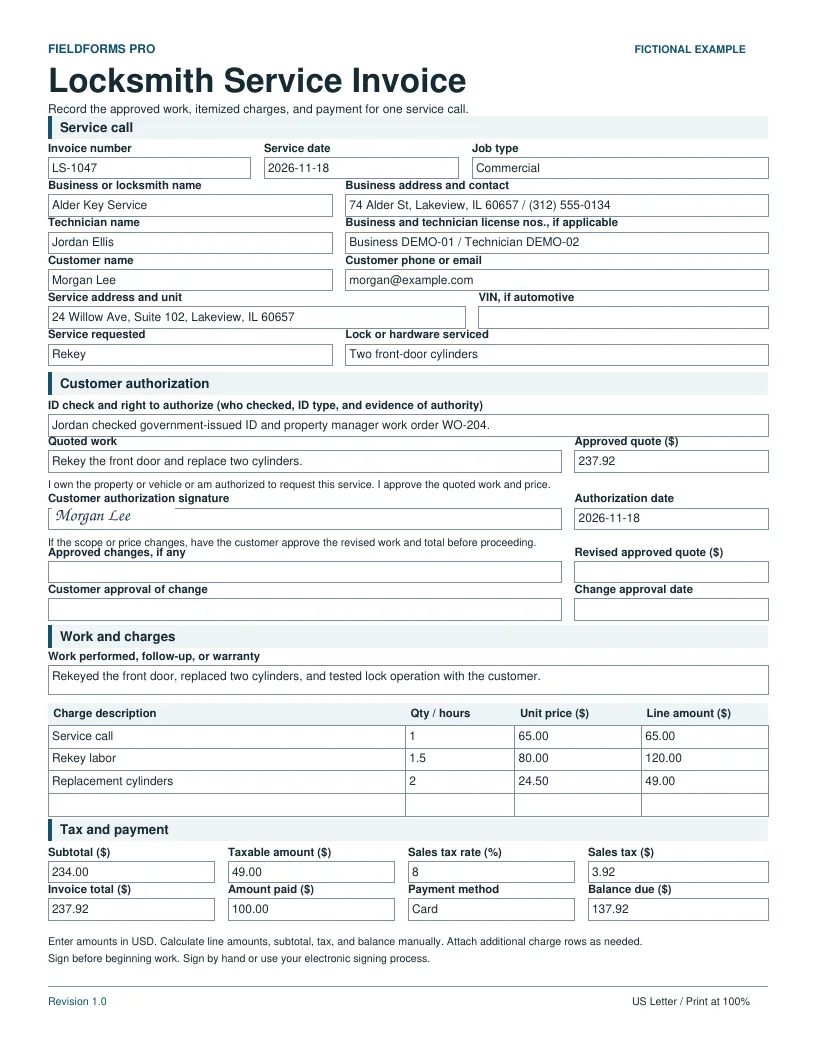
An approved rekey job with three itemized charges, tax on parts, and a partial payment.
 View filled-out template
Download a free locksmith invoice for solo locksmiths and service teams. Record who approved the work, confirm the quoted price, and give the customer an itemized invoice for a lockout, rekey, repair, installation, or automotive job.
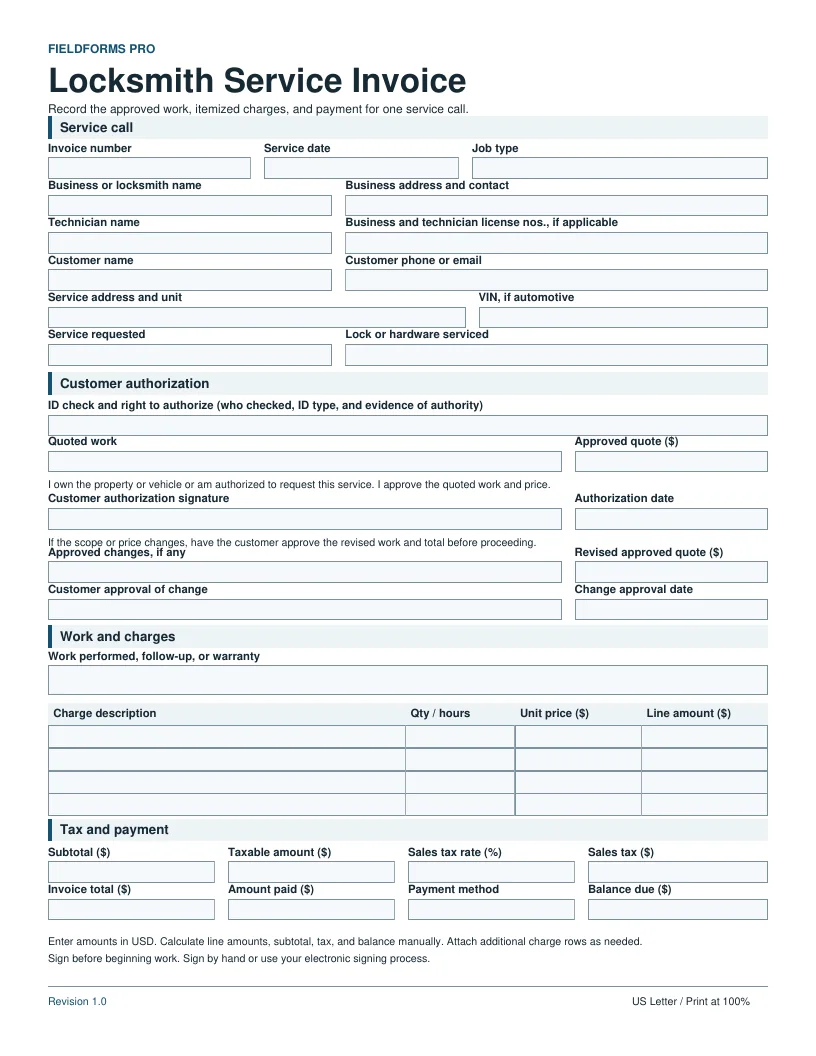
US Letter · One page · Fill in a PDF reader or print at actual size (100%).
 Preview blank PDF
The property manager shows ID and a work order and signs the quote. The locksmith lists a $65 service call, 1.5 hours of labor at $80 an hour, and two cylinders at $24.50 each. That comes to $234.00 before tax. In this fictional example, 8% tax applies to the $49.00 in parts. The total is $237.92, and a $100.00 payment leaves $137.92 due.
An approved rekey job with three itemized charges, tax on parts, and a partial payment.
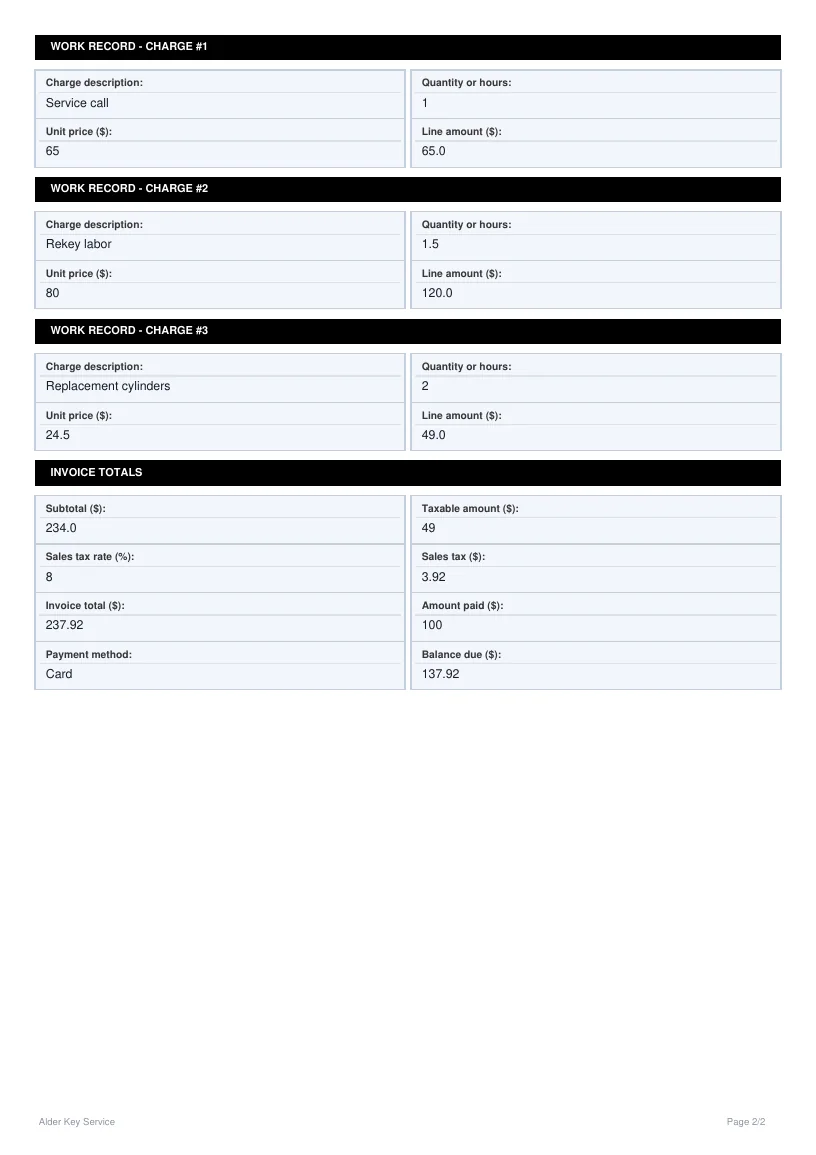
View filled-out templateThe same job exported from FieldForms Pro. The preview shows the calculated tax, invoice total, and balance due.
 View completed report
For entry or security work, record who checked the government-issued ID and how authority was confirmed. Use the document type or source. If verification does not apply, record why.
Enter the quoted total, including any service call charge and estimated tax.
I own the property or vehicle or am authorized to request this service. I approve the quoted work and price. Sign before work begins.
I approve the revised work and total. Sign before proceeding with the change.
Record what you completed and any follow-up or warranty details.
Add a separate line for each service call charge, labor charge, part, or other fee.
Quantity or hours multiplied by unit price, rounded to cents.
Sum of the itemized charges.
Enter the portion of the subtotal subject to sales tax. Leave blank for no tax.
Enter the local percentage, such as 8 for 8%. Leave blank for no tax.
Taxable amount multiplied by the sales tax percentage, rounded to cents.
Subtotal plus sales tax.
Enter all payments received for this invoice. Leave blank if unpaid.
Invoice total minus amount paid. A negative amount indicates an overpayment.
Record the invoice number, service date, customer name and contact, and service address. Include the type of lock or hardware, the VIN on an automotive job, and applicable business and technician license numbers. Solo locksmiths can enter their own name and business contact details.
When access has to be verified, record who checked the ID and what confirmed the customer’s authority, such as a work order from a property manager or vehicle registration. Have the customer approve the scope and quoted total before starting. If the scope or price changes, record the revised quote and get approval before continuing.
Give the service call fee, labor, hardware, and any other charges their own lines. Enter quantities or hours and unit prices. Record the completed work and any follow-up or warranty details.
Show the taxable portion, tax rate, invoice total, amount paid, and balance due. Determine the taxable charges and rate for the job before entering them.
Open the fillable PDF in a reader that supports form fields, or print it on US Letter paper. Use the editable Word file to add your business details, logo, or more charge rows.
Fill in the job and the verification note. Write the quoted scope and total, then have the customer sign. If the work changes, record the new scope and price and get the change approved before proceeding.
Record the work performed, enter the itemized charges and totals, and give the customer a copy. Keep the signed authorizations with your job records and follow local recordkeeping requirements.
Yes. Use your own business and contact details, or add the company and assigned technician for a crew. The fillable PDF and editable Word file are free to download without an account.
The app multiplies quantity or hours by unit price, adds the line amounts, calculates sales tax from the taxable amount and entered rate, and subtracts payments from the invoice total. Enter totals manually in the PDF and Word versions.
Enter the combined amount of the charges subject to sales tax and the applicable percentage. For example, the sample uses $49.00 in taxable parts even though the subtotal is $234.00. Leave the tax fields blank for an untaxed job.
Yes. Choose Automotive and record the VIN, customer verification, scope, and price. For transactions that require a NASTF D1 form or other authorization record, complete that record as well.
Start with a note about who checked the ID and the type of evidence shown. Review licensing, access authorization, and retention rules where you work before collecting or retaining additional details.
Use the template during your FieldForms Pro trial. See pricing for ongoing use.
Get the quote signed on a phone and save the form as a draft while you complete the job. Then add the itemized charges, enter the taxable amount and rate, and record any payment. Submit the invoice to download the PDF or send it through a configured delivery workflow.
Add to an existing FieldForms Pro workspace